


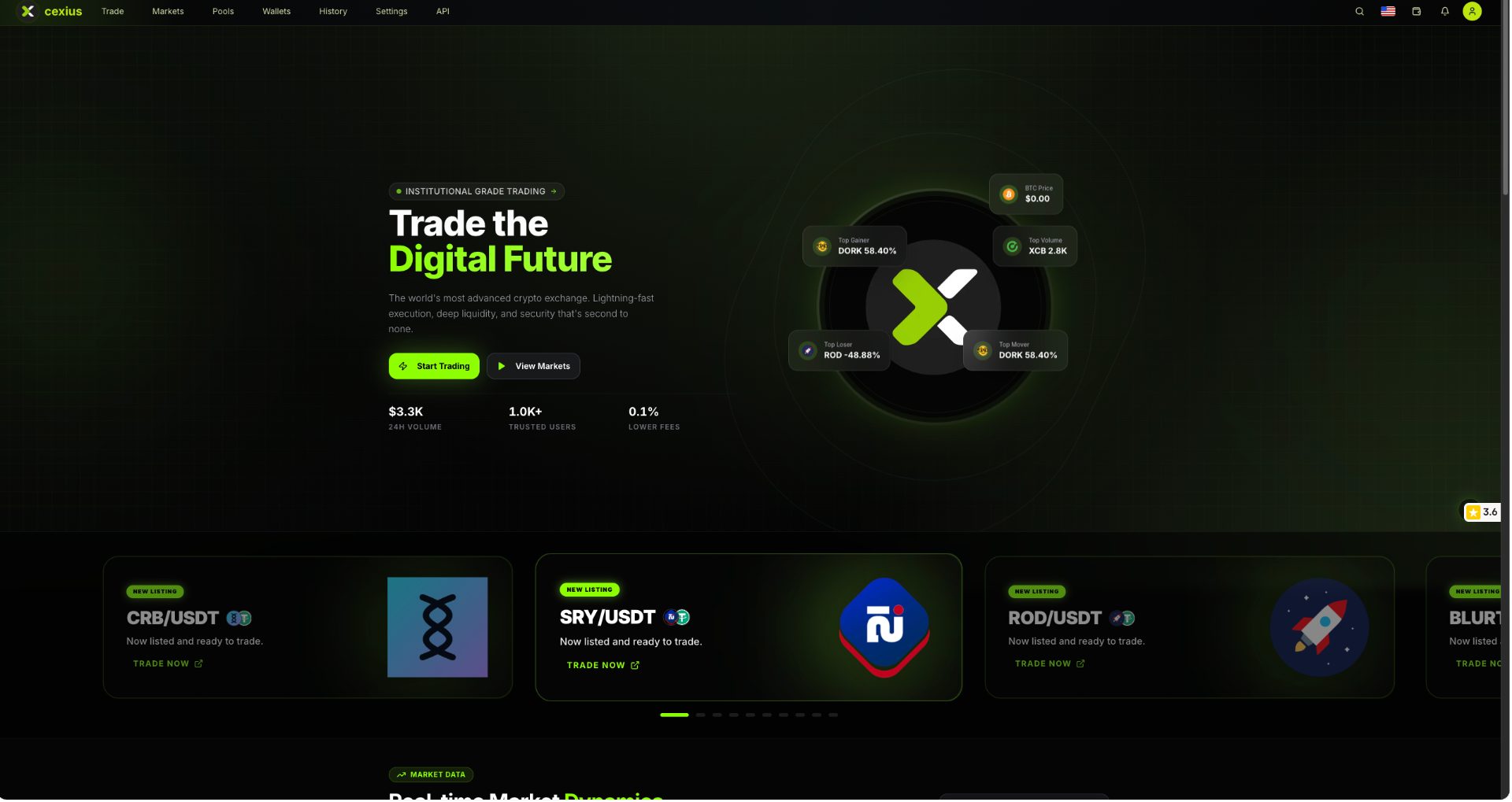
Recently, SRY has been listed on Cexius https://cexius.com. This is good news for the entire Serey community; now we can easily trade SRY with USDT.
The exchange is based in the United States. There is a 24-hour withdrawal limit of $5,000 without KYC; this is very positive for the Serey community, as we can deposit or withdraw our funds without completing KYC. I have also tested that deposits and withdrawals are very fast on the exchange.
How to deposit SRY on Cexius Exchange
Open the Cexius exchange and log in to your account. Go to Wallet, then Asset, and click on Deposit. Select the Serey (SRY) coin
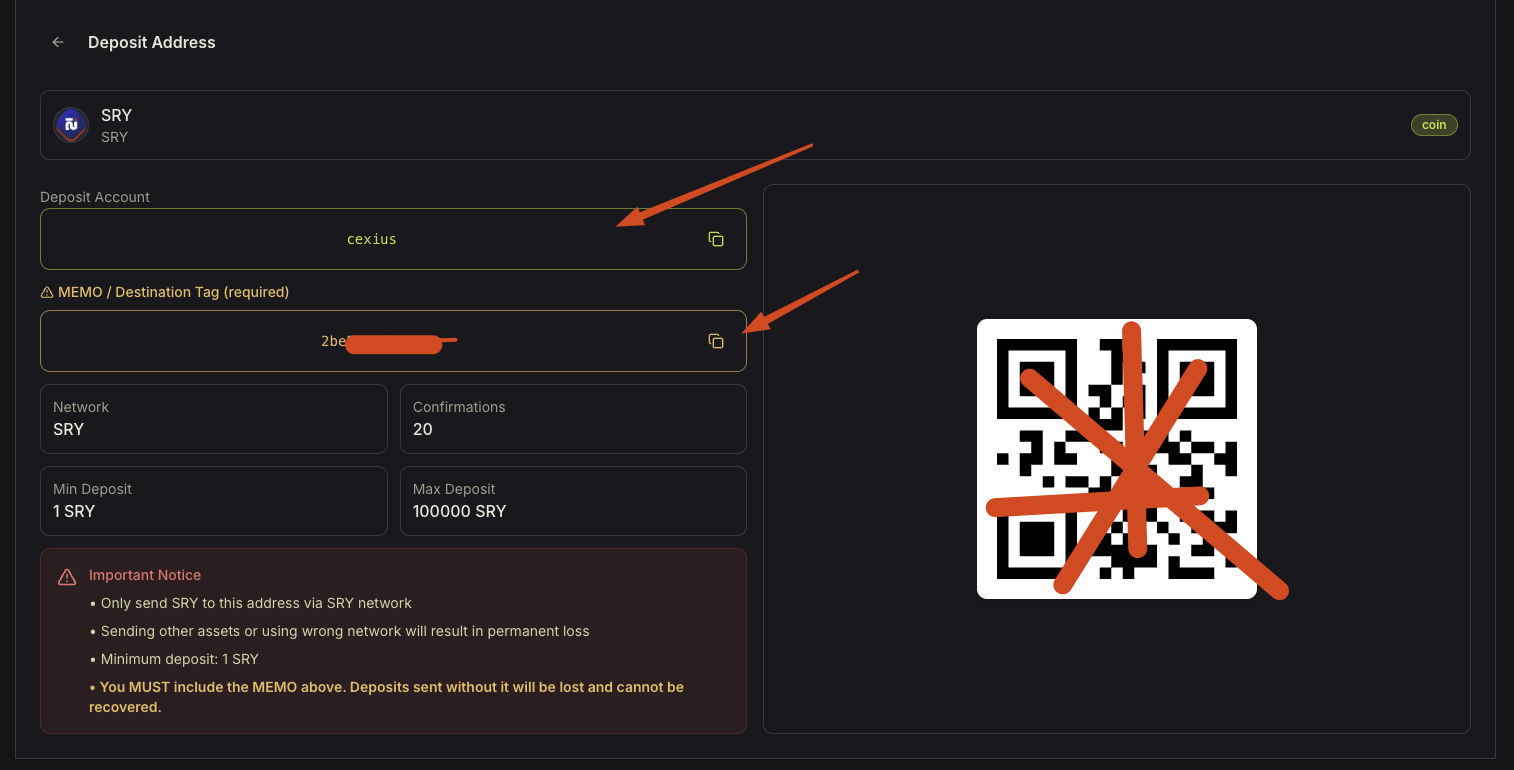
You will get the deposit account address - cexius
and a unique MEMO / Destination Tag
Now go to your serey wallet and click on Send
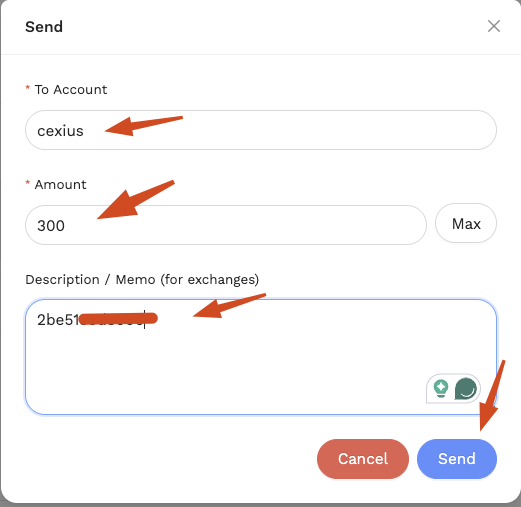
Send to - cexius
Type the amount of SRY you want to send
In the description / Memo, type the unique memo address from the Cexius exchange SRY deposit address
Then click on Send; within a few seconds, you will receive the SRY in your Cexius exchange.
How to Withdraw SRY from Cexius Exchange to Serey Wallet
Open Cexius Exchange https://cexius.com/ and log in to your account. Go to Wallet, then Withdraw, then select Serey (SRY)
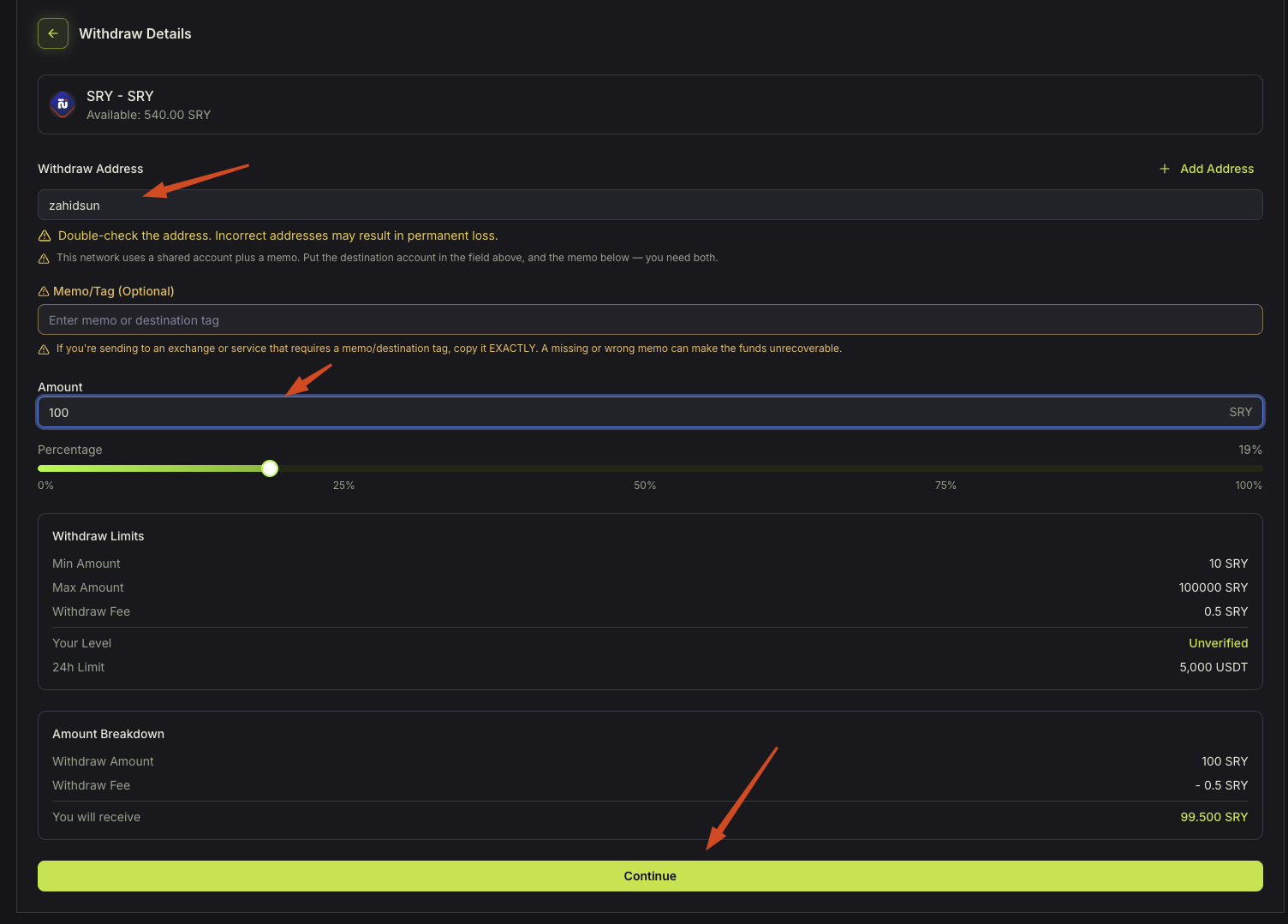
In the Withdrawal address, type your serey username or account name.
Skip the Memo
In the Amount, enter how much SRY you want to withdraw. The minimum amount is 10 SRY, and the withdrawal fee is 0.5 SRY
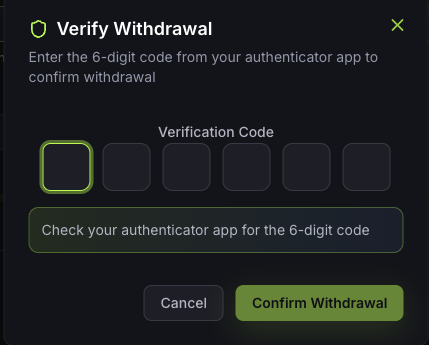
Then click Continue; it will prompt for the Google 2FA 6-digit code. Just enter the password and click Confirm Withdrawal; within a few seconds, you will receive SRY in your Serey wallet.

 9708.346 SRY